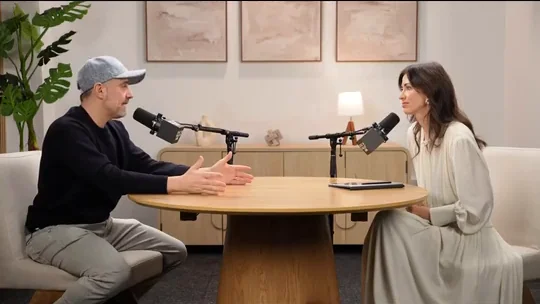
Podcasts & interviews
Keep the whole exchange.
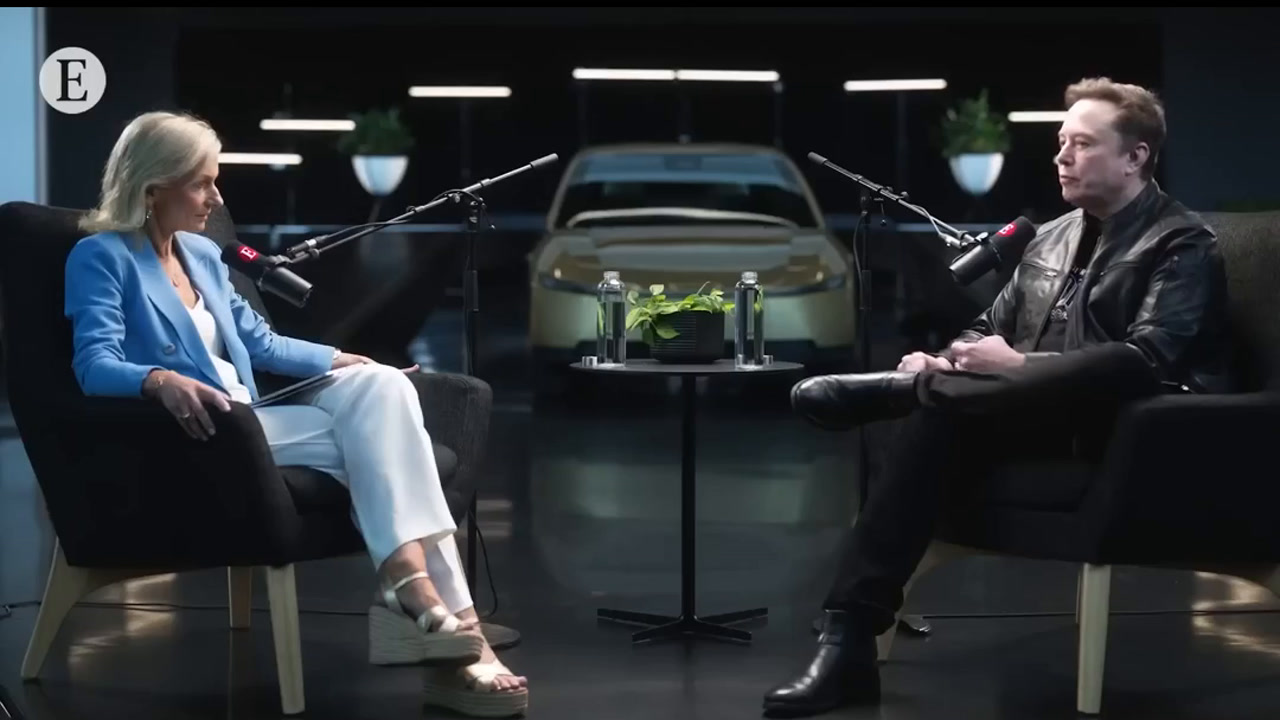
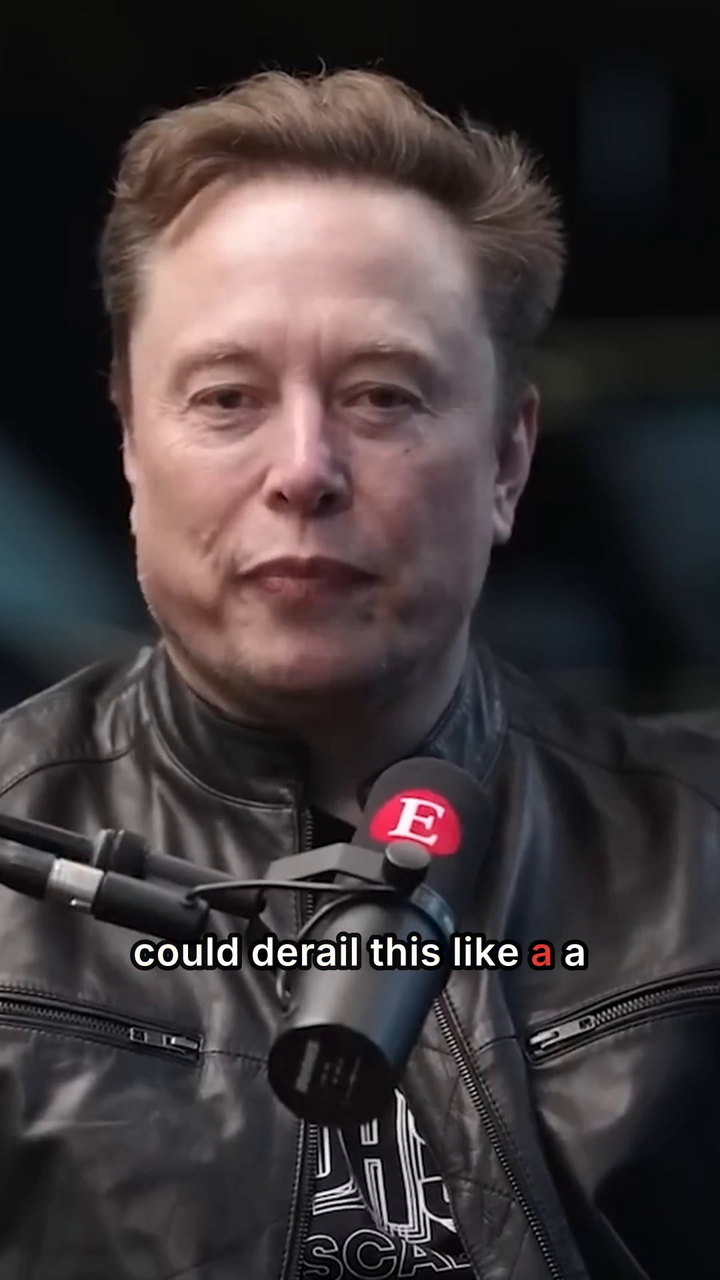
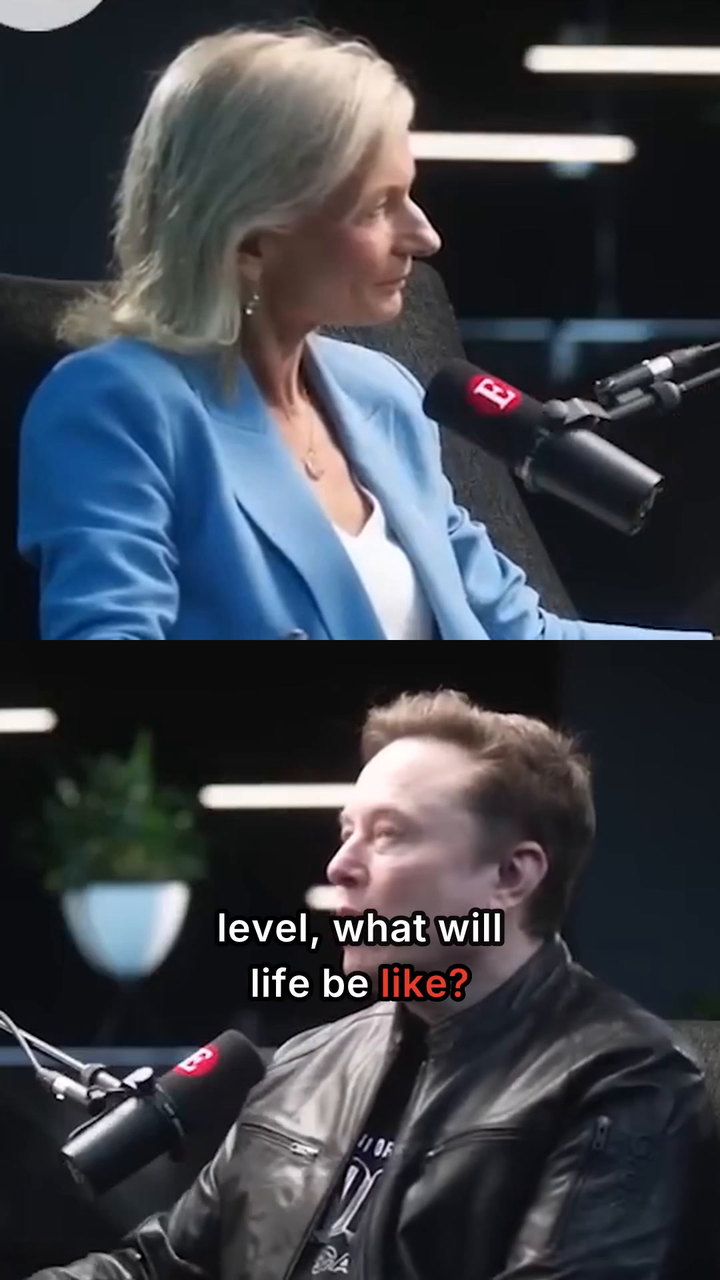
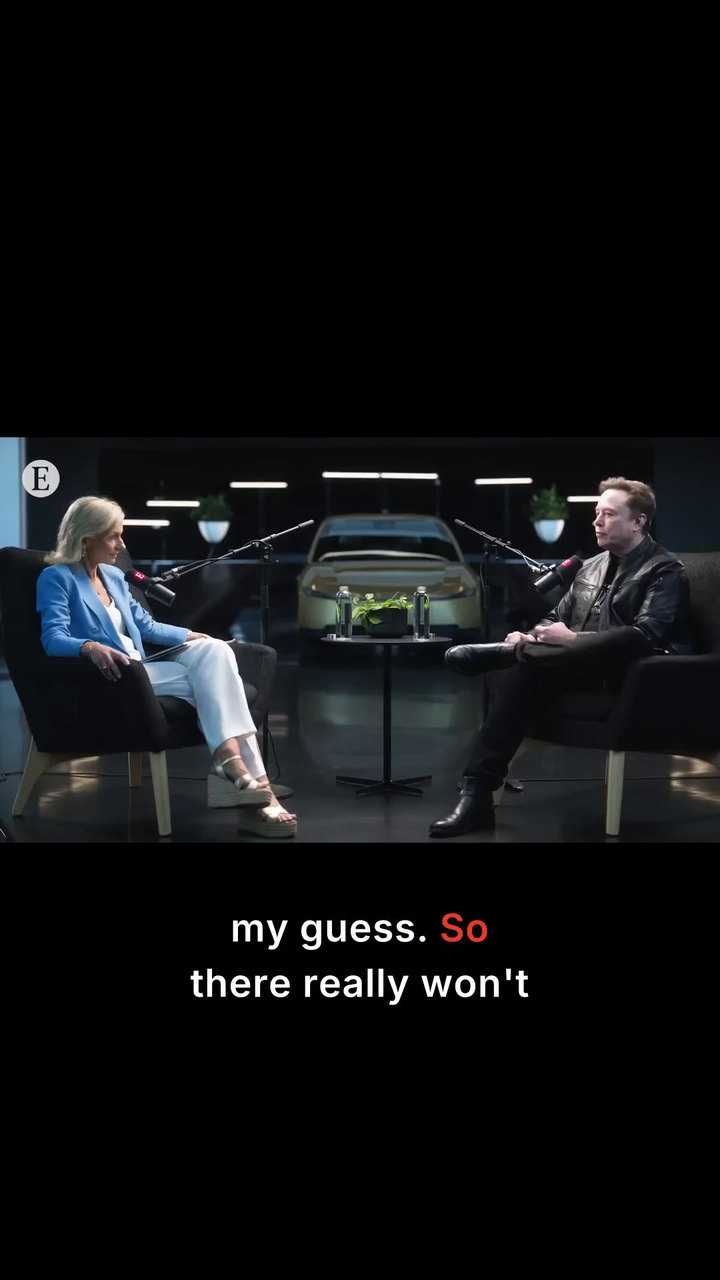
Use a wide shot to set the scene, then bring both speakers into a stacked frame for the back-and-forth.

Desktop video clipper
Turn podcasts, interviews, talks, lectures and presentations into ready-to-share shorts. UseShorts finds promising moments, frames the action and adds captions you can edit.
Buy Once removes monthly UseShorts conversion caps. AI provider usage is billed separately.
Windows 10/11 (64-bit) Apple Silicon Mac (M1+)
Clip showcase
See how UseShorts handles a moving presenter, a conversation and a cutaway. Every example plays the exported vertical clip.
The crop follows the presenter as he moves across the stage. Watch his face stay in view.

REPURPOSE YOUR EXISTING CONTENT
Repurpose existing recordings into short-form videos with AI clip discovery, intelligent auto-framing and editable captions. UseShorts works best with speech-driven videos that have usable transcripts and clearly identifiable speakers.
Manually turning a three-person interview into vertical shorts means tracking who's speaking, adjusting crops and switching between different layouts. Watch UseShorts handle those framing changes automatically.
With Buy Once, there are no monthly UseShorts conversion caps.
The cost of a cut
Work through a season of recordings or keep up with a busy week. Your Buy Once licence starts at US$79.90 and has no monthly conversion allowance to reset.
Connect your own providers for clip discovery and premium captions. In this example, their combined charge comes to about seven US cents.
See desktop pricing60-minute recording
10 one-minute shorts
≈7¢
This US-dollar illustration models one English recording with a usable transcript and ten selected 60-second clips. Local source transcription also has no per-minute provider fee.
Discovery assumes 50,000 uncached input tokens and 10,000 output tokens in total across GPT-5.6 Luna requests. At US$0.20 and US$1.20 per million respectively, discovery costs US$0.022.
This example allows two seconds of audio on each side of every selected clip. Ten clips send 10 minutes 40 seconds of mono audio to prerecorded Deepgram Nova-3 English. At US$0.0043 per minute, that costs US$0.0459. Accepted clip timings can be reused.
The example total is US$0.0679 before tax, with no retries, add-ons or promotional credits. Your transcript, model, selected clips and retries determine actual usage. The desktop licence is purchased separately.
Rates checked 20 November 2026. OpenAI model rates · Deepgram rates · Deepgram opt-out pricing
The desktop workflow
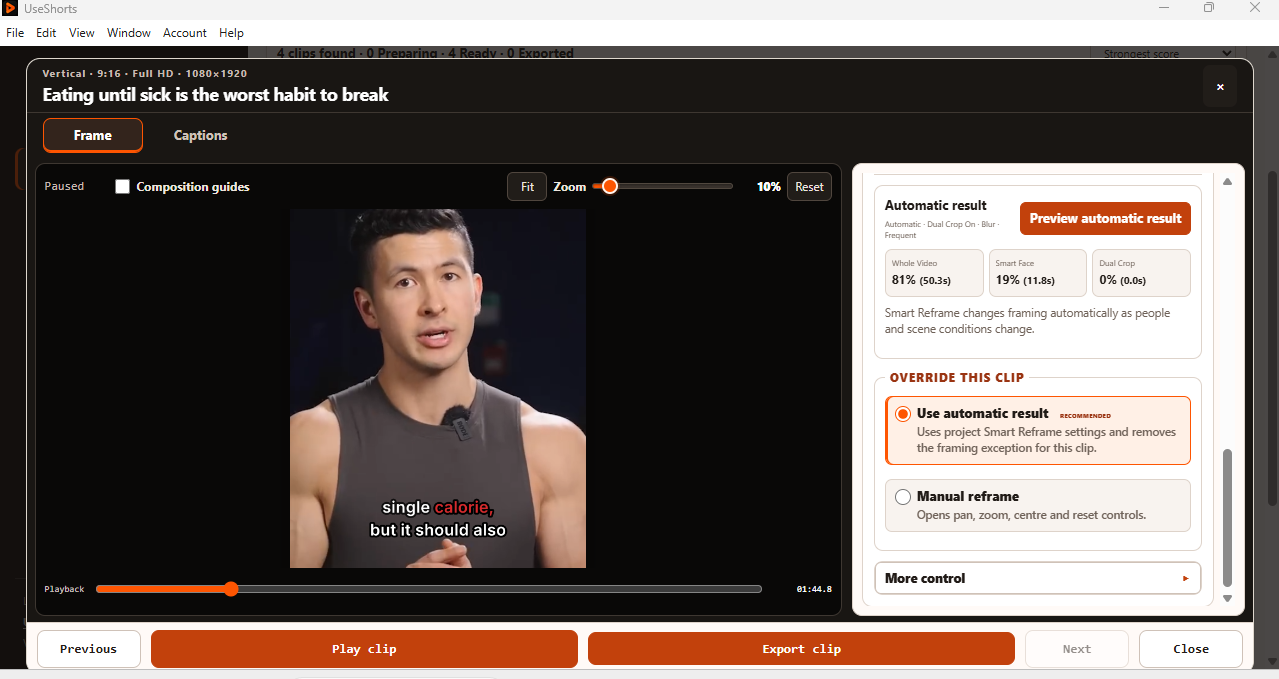
Bring the recording. Let UseShorts prepare the clips. Keep control of the result.
Cloud Posting is coming soon and will be offered separately from UseShorts Desktop.
Projects & series
Each recording has a different job. Keep the parts that serve it and reuse the styling that makes the series yours.
Podcasts & interviews
Use a wide shot to set the scene, then bring both speakers into a stacked frame for the back-and-forth.
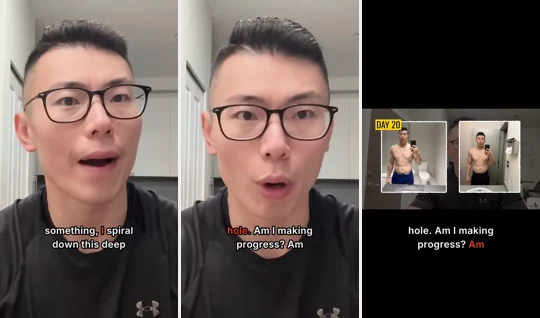
Recurring creator videos
Start from ranked moments in your latest video. Pick a complete thought and keep the cutaways that help explain it.
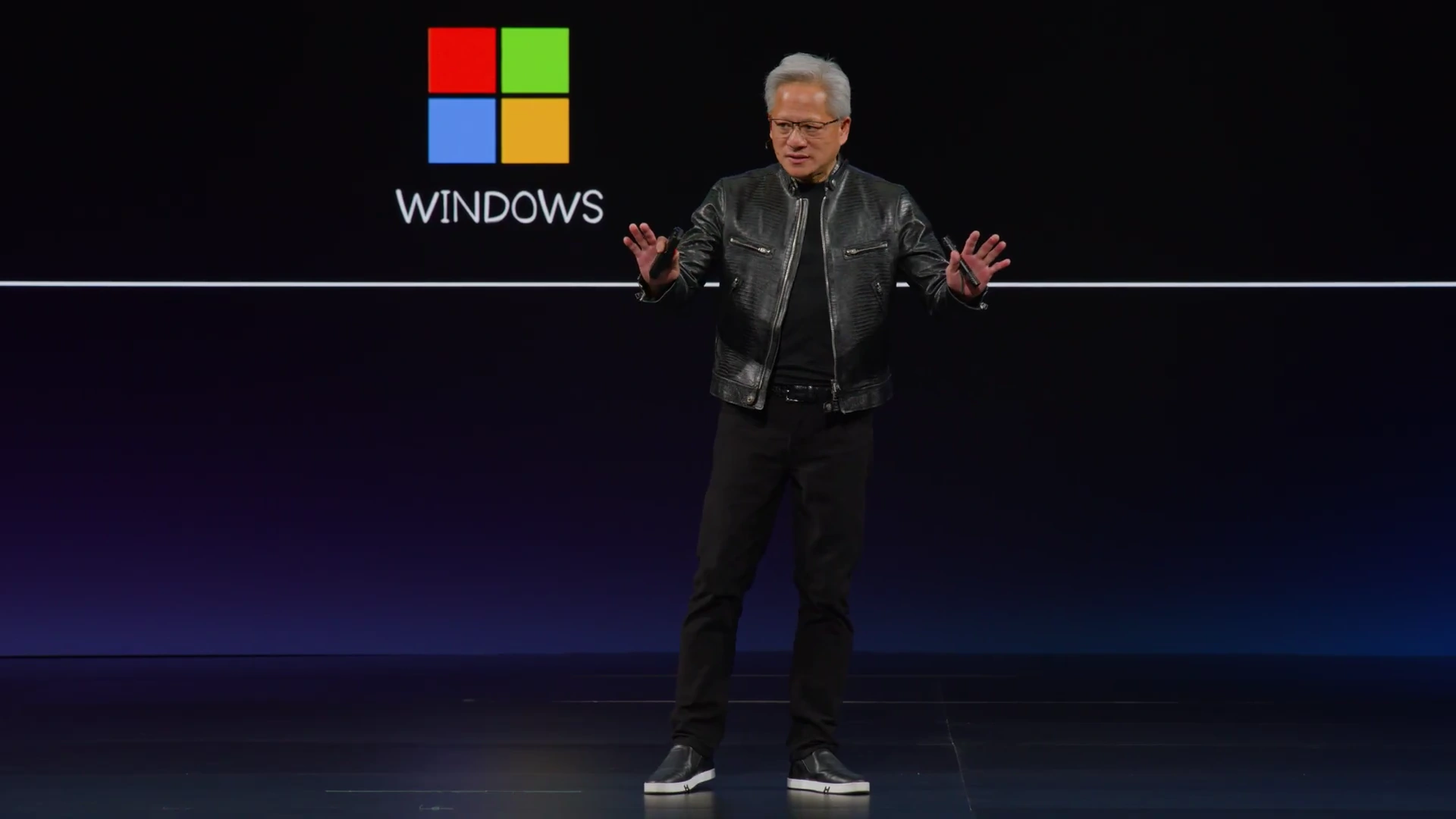
Talks, lectures & presentations
Turn insightful talks, lectures and presentations into focused shorts. UseShorts helps identify useful moments, automatically frame the presenter and add editable captions.
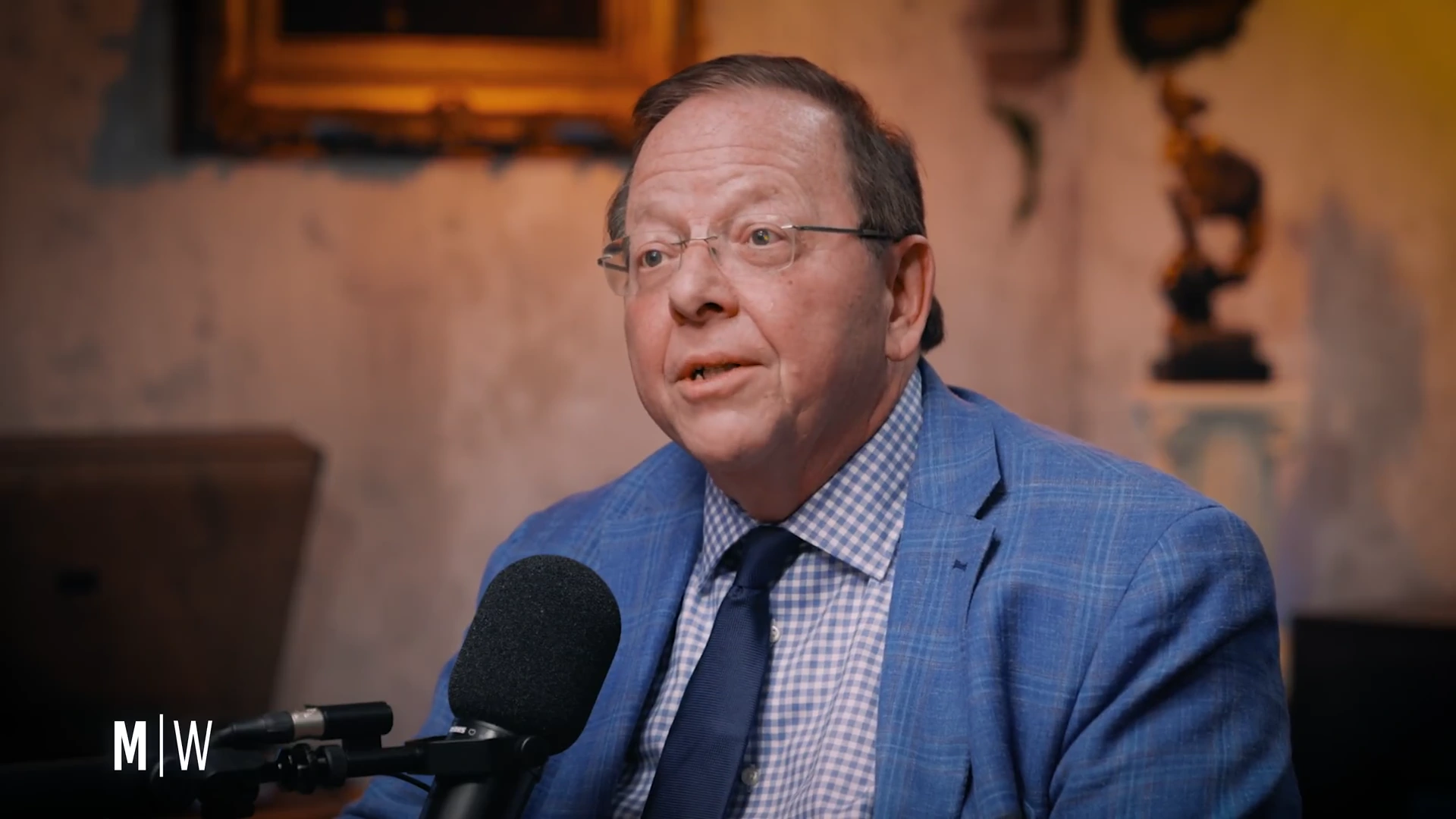
Businesses & multiple brands
Reuse a saved logo, brand colours and end message across projects. Apply caption styling to the clips in each series.
Testimonial preview
“UseShorts has made turning my long interviews into short clips so much easier. The automatic framing and captions save me a lot of editing time. What I really like is being able to do everything on my own computer without paying another monthly subscription”
“I record long podcast episodes every week, and finding the best moments to share used to take forever. UseShorts makes the process much simpler. I can identify interesting clips, add captions, and get them ready for social media without spending hours going through footage.”
“I manage content for several small businesses, so efficiency really matters. UseShorts helps me turn longer recordings into multiple short videos without doing everything manually. The AI clip suggestions are useful, and the overall workflow is pretty straightforward.”
“I wanted something simple for pulling highlights from my longer coaching sessions. UseShorts does a good job of identifying potential clips and getting them into a format I can work with. The one-time purchase option is a big plus, especially when so many editing tools require subscriptions.”
Desktop pricing
Choose a pack for the computers you use. Prices are in US dollars. AI provider usage is separate from the desktop purchase.
Take two recordings through the complete workflow and see what you’d publish.
Sign in and install the desktop app. For paid processing, connect your AI provider’s API key for discovery and your Deepgram key for fresh premium caption timing.
| Feature | Free Trial | Buy Once |
|---|---|---|
| Source conversions | 2 per eligible account | No monthly UseShorts cap |
| Maximum source duration | 60 minutes per video | 6 hours per video |
| Computer access | Signed-in trial account | 1 key for 1, 2, 5 or 10 active computers |
| Software updates | Trial access | 1 year included. Keep your eligible version. |
| Software licence | Your own lawful use | Your own lawful use |
| Local files and supported YouTube links | Included | Included |
| Source transcript | Available YouTube captions or local transcription | Available YouTube captions or local transcription |
| AI discovery and ranking | 5 or 10 suggested moments per new discovery run | 5 or 10 suggested moments per new discovery run |
| Provider billing | Eligible sponsored processing or your own keys | Your own provider keys and usage |
| Moving-subject tracking, centering and scaling | Included | Included |
| Wider context and two-person Dual Crop | Included | Included |
| Adapt to existing A-roll and B-roll | Included | Included |
| Manual crop and framing adjustments | Included | Included |
| Caption modes | Static and Current Word | Static and Current Word |
| Edit text, fonts, colours and styling | Included | Included |
| Fresh premium word timing | Eligible sponsored use or your Deepgram key | Your Deepgram key |
| Reusable brand profiles, logos and end messages | Included | Included |
| UseShorts export watermark | Required, including alongside your logo | Optional |
| Preview and local MP4 export | Included | Included |
| Automatic export of prepared clips | Included | Included |
| Layouts inside the vertical canvas | Full frame 9:16, portrait 4:5, square 1:1, landscape 16:9 | Full frame 9:16, portrait 4:5, square 1:1, landscape 16:9 |
| Supported computers | Windows 10/11 x64 or Apple Silicon M1+ | Windows 10/11 x64 or Apple Silicon M1+ |
| Cloud Posting | Separate forthcoming service | Separate forthcoming service |
Layout choices sit inside a vertical 9:16 export. For commercial projects, use recordings you have the rights to edit and publish. Direct licence terms
Organise finished clips in a private library, choose a posting profile and prepare delivery or scheduling to supported connected accounts. Cloud Posting is a separate forthcoming service. Read our data practices and posting terms.
Explore Cloud Posting plansFAQ
Buy Once has no monthly UseShorts quota for source-video conversions. Keep processing recordings on your licensed computers. Per-video limits, provider charges and provider rate limits still apply.
Convert two source videos, up to 60 minutes each. Several shorts from the same source count as one conversion. Trial exports include the UseShorts watermark. No credit card is required.
Eligible trial runs can use sponsored discovery and premium captions. With Buy Once, connect your supported AI provider for discovery and your Deepgram key for fresh premium caption timing. Each provider bills your account for its usage.
Choose 5 or 10 suggested moments per new discovery run. The number worth exporting depends on the recording. You choose what to keep.
Buy Once supports source videos up to six hours. Trial sources can run up to one hour. Leave room on your drive for previews and finished files.
Use a 64-bit Windows 10 or 11 PC with a modern Intel or AMD processor, or a Mac with Apple Silicon M1 or newer. We recommend 16 GB of memory and at least 10 GB of free space, plus storage for your footage. A dedicated GPU is optional.
Local source transcription, framing, preview and MP4 export run on your desktop. Cloud discovery sends transcript text, timestamps and candidate-opening details to your AI provider. Fresh premium caption timing sends selected clip audio, with brief surrounding context, to Deepgram. Eligible sponsored processing may pass through UseShorts. Privacy policy
Save a brand kit with your logo, colours and end message. In each project, caption presets let you reuse text styling across the clips you prepare.
A direct purchase includes the first year of software updates. After that, you can keep using your eligible version. Later releases require a separate entitlement.
Yes. Save vertical MP4 files locally and use your existing uploader or scheduler. The forthcoming Cloud Posting service will be offered separately.
See which moments UseShorts finds and how they look as finished shorts.